Variants Multiple Images

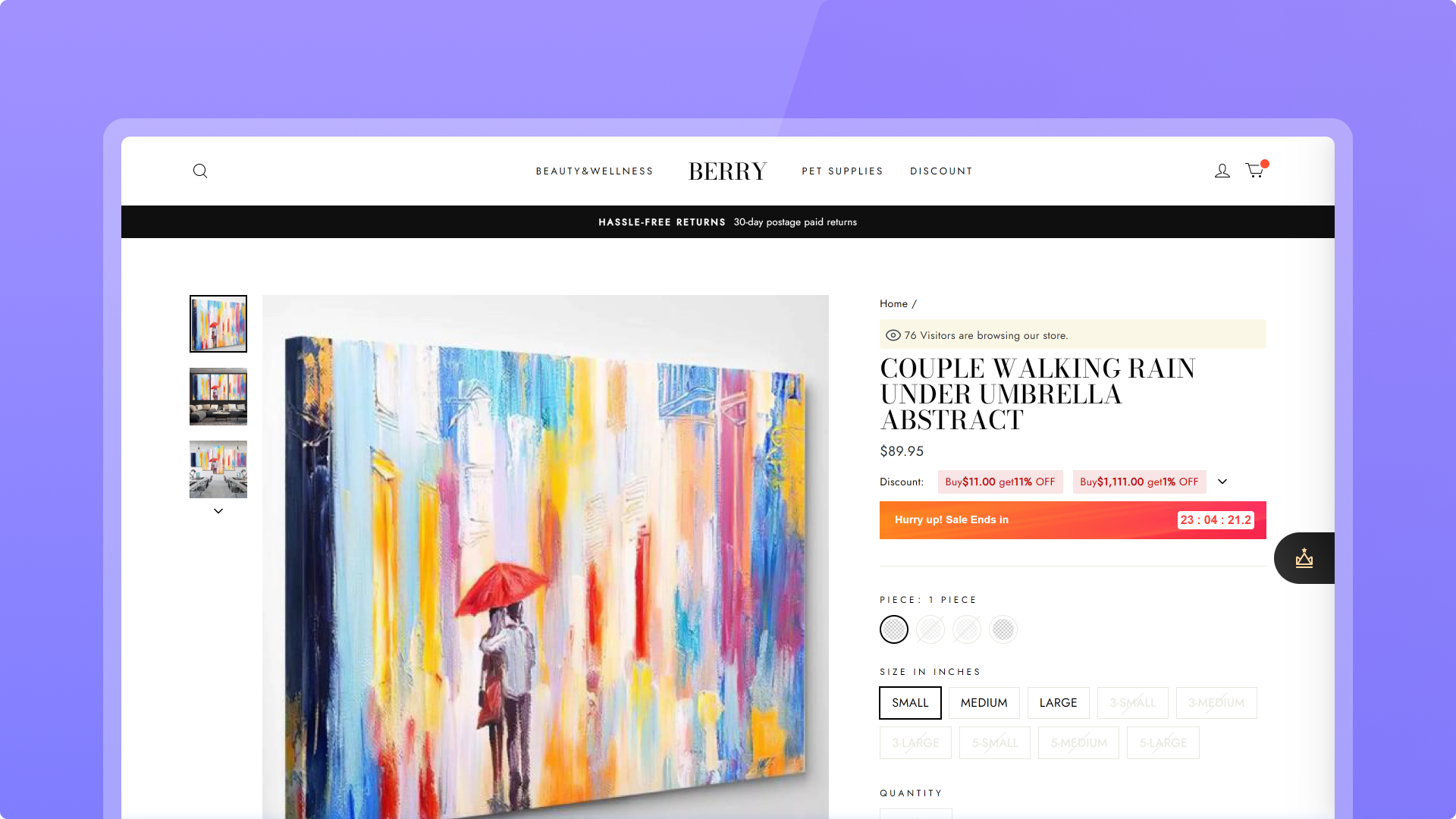
Configure multiple images for single variant/SKU, let your customers know more details about the variant

icon-star 4.5 icon-arrow

Developer: SHOPLINE

Merchandising

Free

Customize variant images

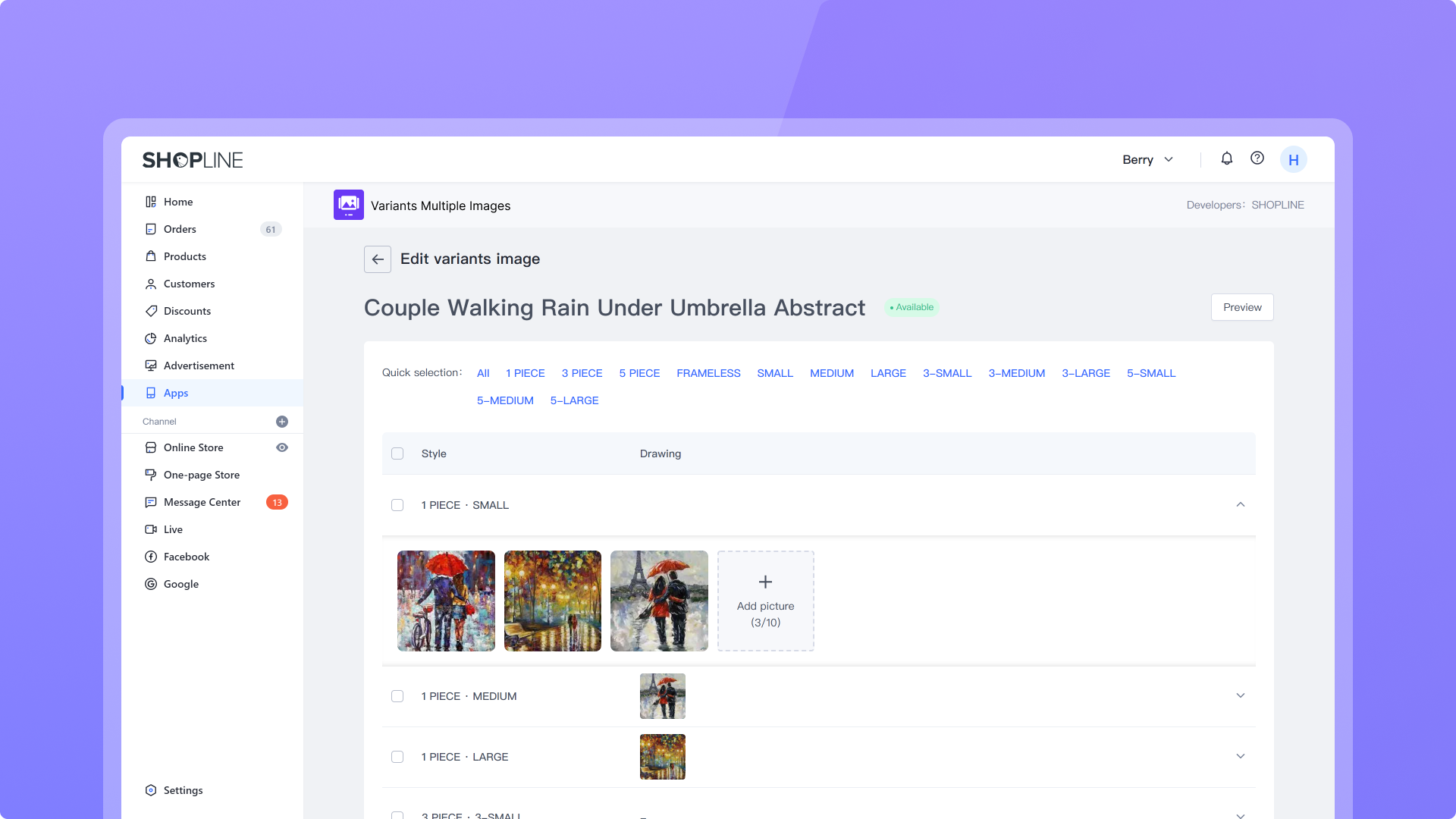
Configure multiple images for a single variant, display more complete product features, and diversify your selections

Configure conveniently

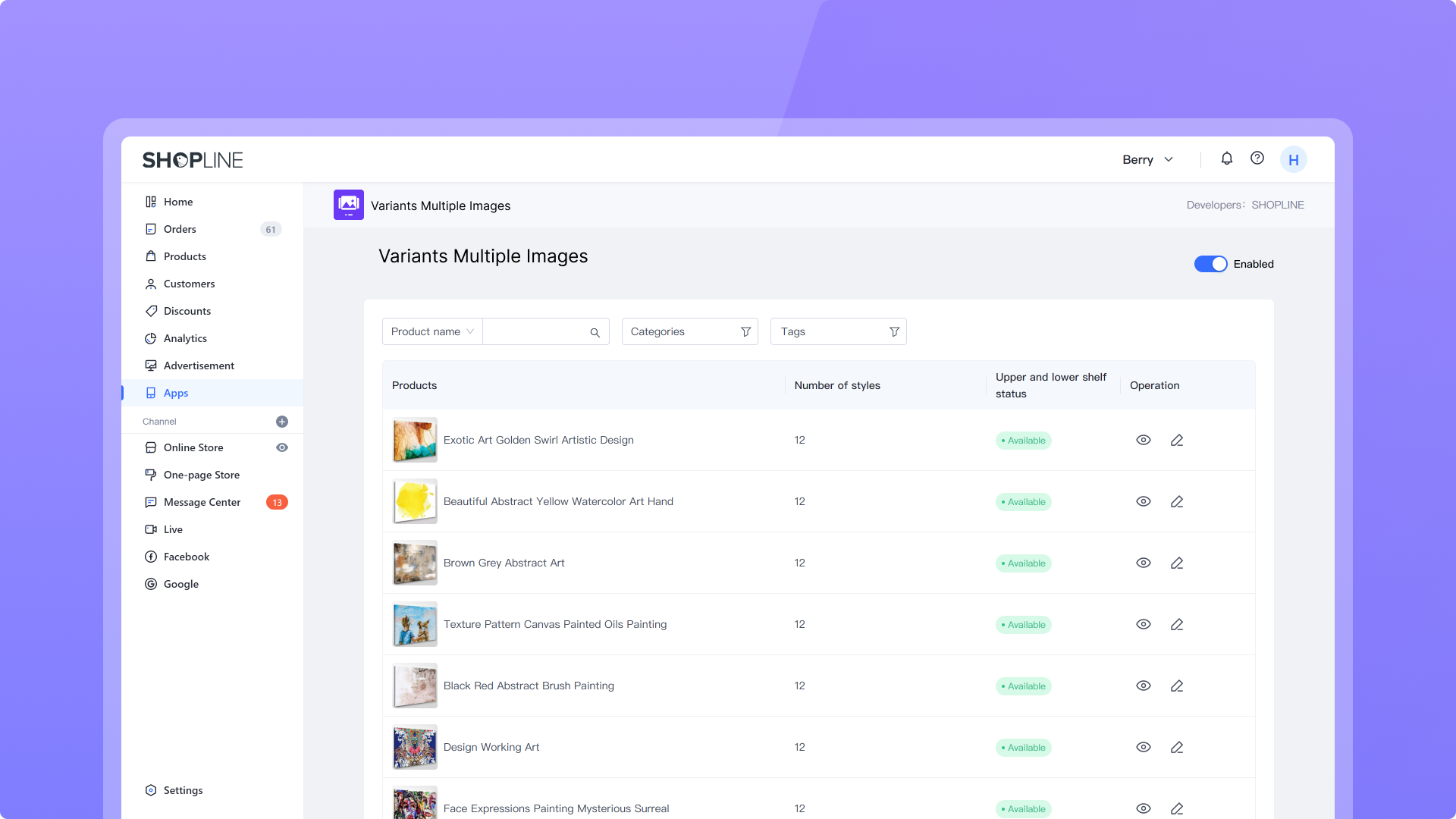
Import variant images of your main page with one click; supports bulk selection and processing, copying existing images, and express publishing

Enhance your user experience

Help your customers identify differences between variants more quickly and increase product orders

App preview

About this app

Configure multiple images for each SKU and display them in the store. This helps you better showcase product information to consumers and drive conversions.

Support

Privacy
Help center

Contact the developer

zhoulei@shopline.com

Reviews

4.5 Rated by 81 users
icon-star icon-star icon-star icon-star icon-star
53
icon-star icon-star icon-star icon-star icon-star
17
icon-star icon-star icon-star icon-star icon-star
11
icon-star icon-star icon-star icon-star icon-star
0
icon-star icon-star icon-star icon-star icon-star
0

Tell us about your experience with Variants Multiple Images

Garden Furniture Centre United Kingdom
The variant images works well, very easy to use and works as intended. However the app overrides the image block on the PDP and there is no way to change image layout or ratio of images once the app is used.
ArtSupplyStoreSG Singapore
A massive leap in our product presentation quality. The configuration is straightforward and the results are stunning.
KidsFashionGB United Kingdom
Good for complex clothing variants. Helps customers visualize the difference between styles. Setup was quick.

Variants Multiple Images