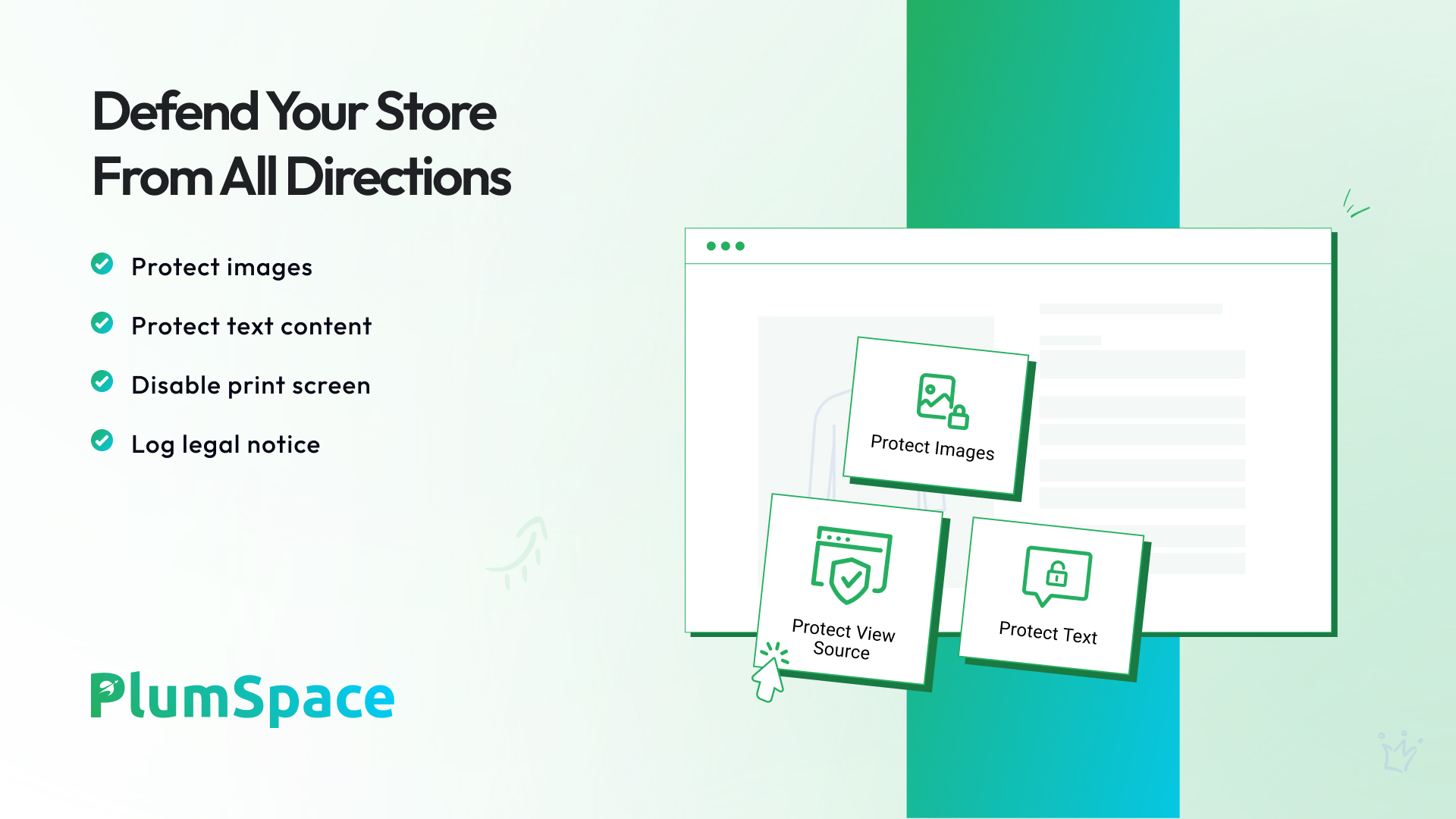
Protect your store’s content with our Disable Right Click app, designed to prevent unauthorized downloads and copying. In today’s digital landscape, anyone can easily copy your content using modern browsers, potentially stealing your hard work. This app offers robust anti-theft technology by disabling right-click functionality and blocking context menus, effectively deterring visitors from copying or saving your content, images, and code.
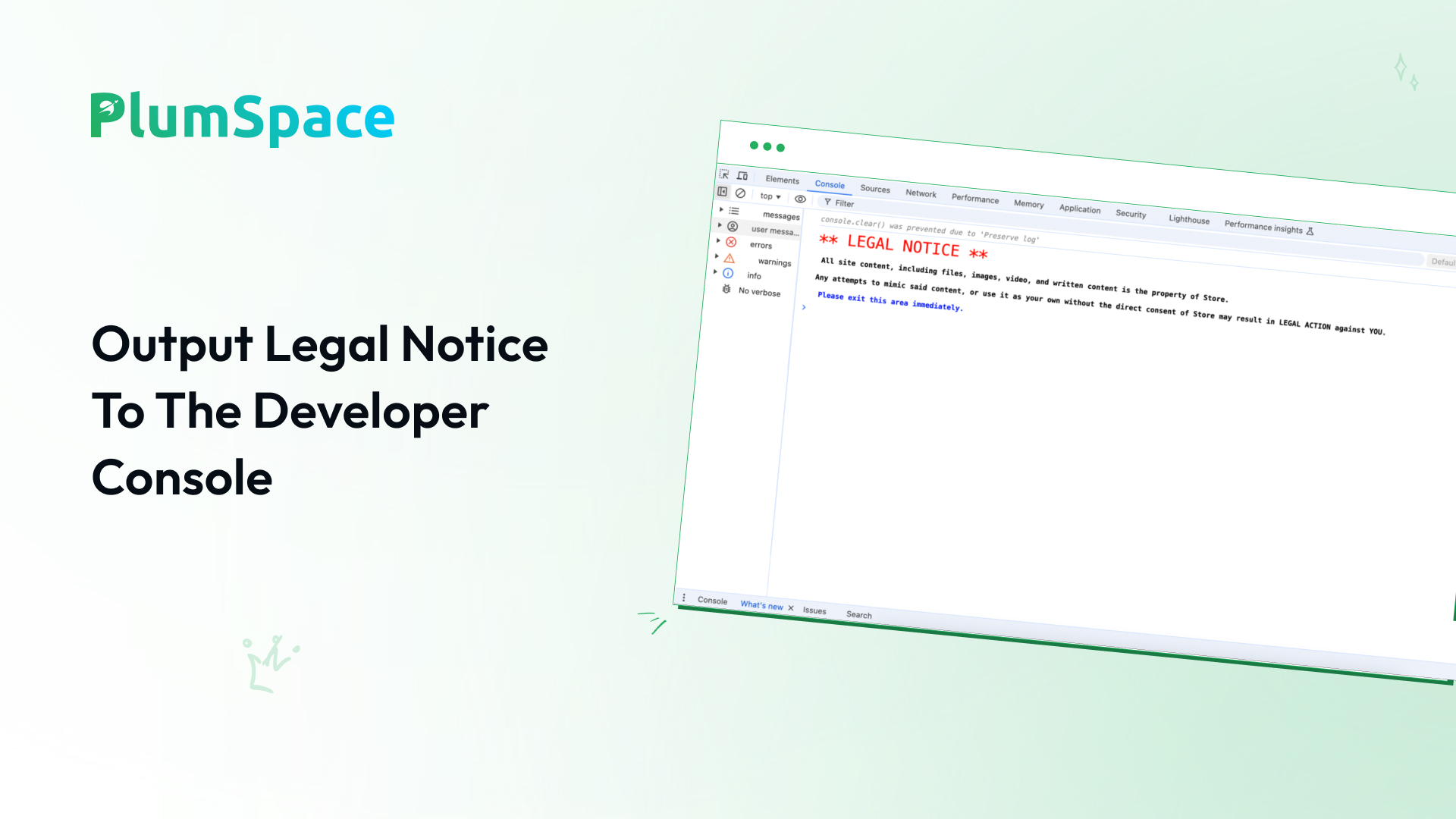
The Disable Right Click app also blocks common keyboard shortcuts such as copy (Ctrl+C), paste (Ctrl+V), and developer tools, ensuring comprehensive content protection. Whether you’re concerned about text, images, or even code being copied, this app provides a strong layer of defense against theft and web scraping.
With easy installation and simple configuration, Disable Right Click integrates seamlessly into your store and helps safeguard your valuable content without interfering with the user experience. By protecting your content, images, and design elements, you can focus on running your business without worrying about copycats or unauthorized downloads.
Key Features:
- Disable Right Click: Prevent visitors from accessing the right-click menu, stopping them from copying your content.
- Block Keyboard Shortcuts: Disable keyboard shortcuts such as Ctrl+C, Ctrl+V, and developer tools to prevent content theft.
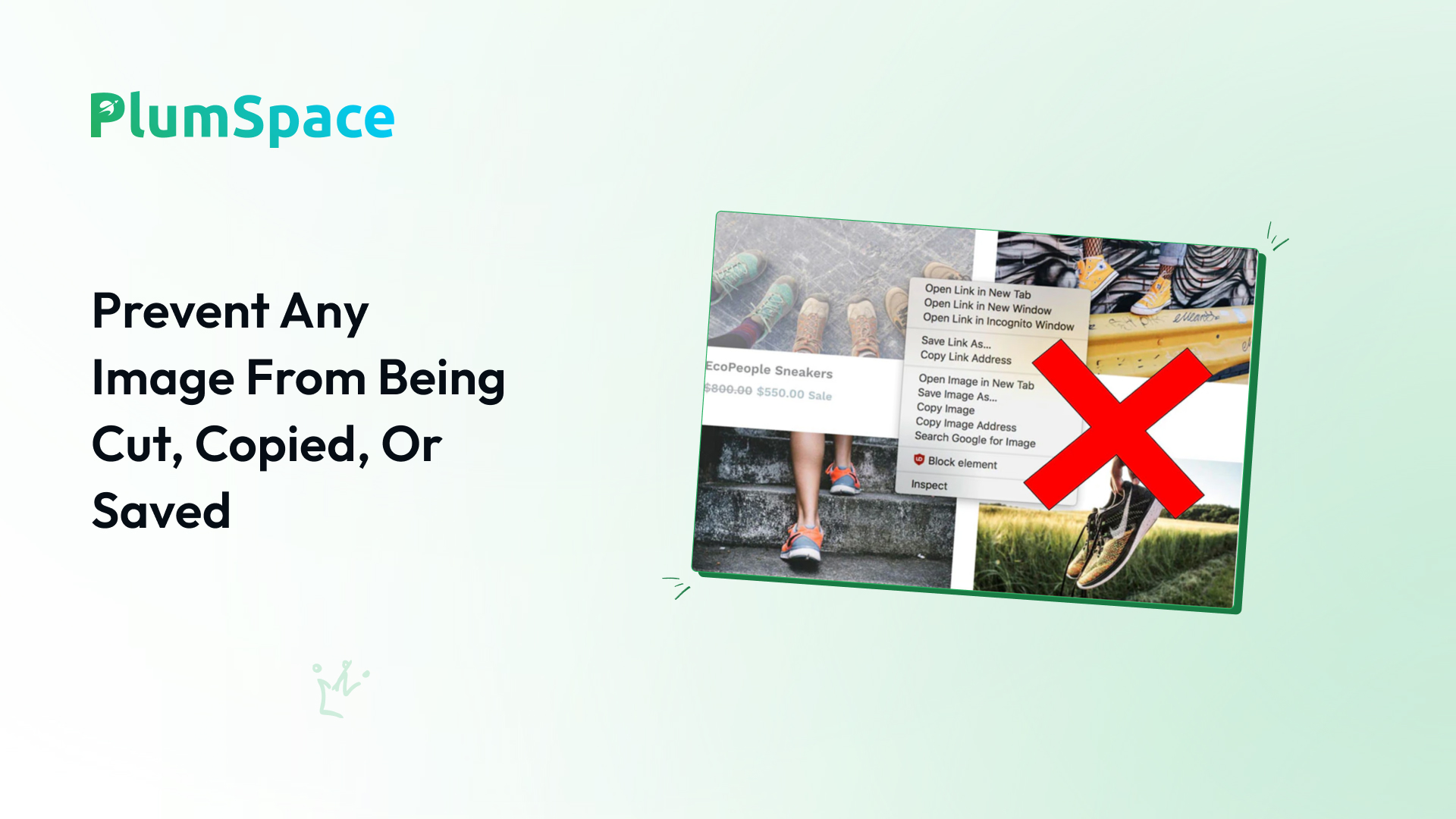
- Prevent Image Theft: Restrict users from saving images, dragging them, or opening them in a new tab.
- Comprehensive Protection: Protect all types of content on your store, from text to images and underlying code.
- Easy Installation: Quick setup with no technical skills required, offering hassle-free content protection.
Download Disable Right + Content Protection right now and stop copycats from stealing your store’s content!