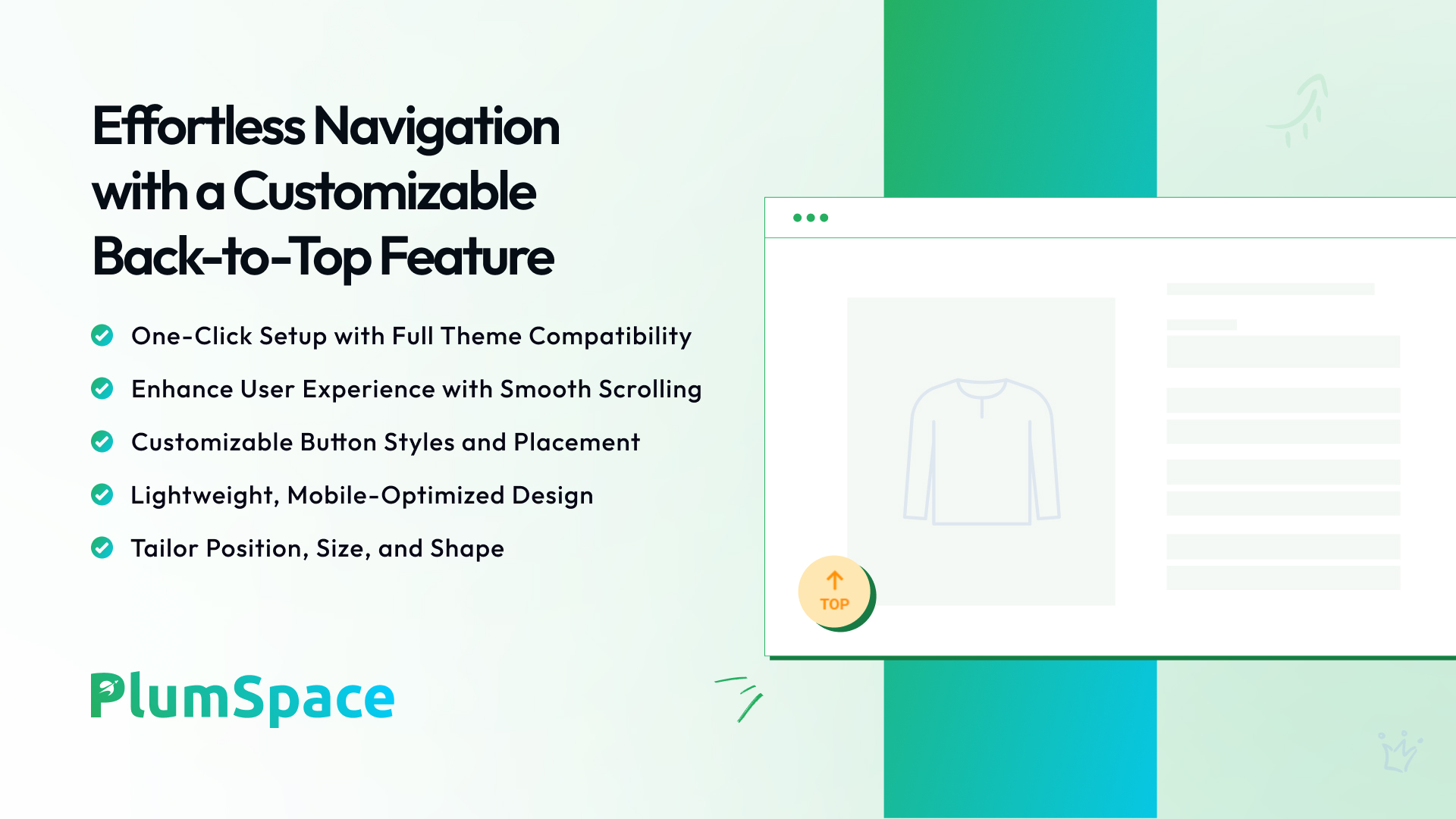
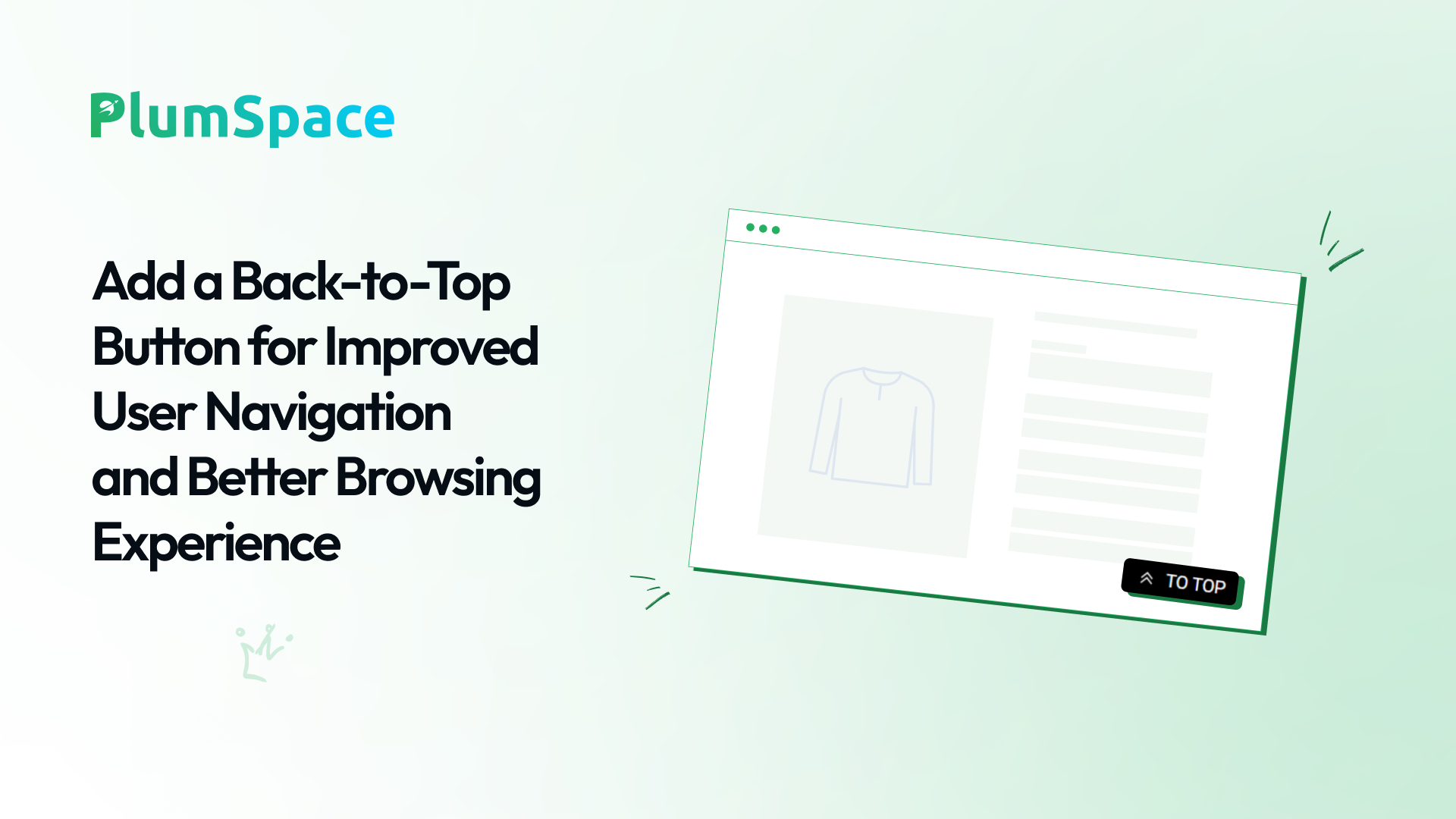
Enhance your store’s navigation with a responsive, brand-matching back-to-top button!
No reviews
Developer: PlumSpace
Conversion
Install
Free trial for 7 days
Customizable Back-to-Top Button
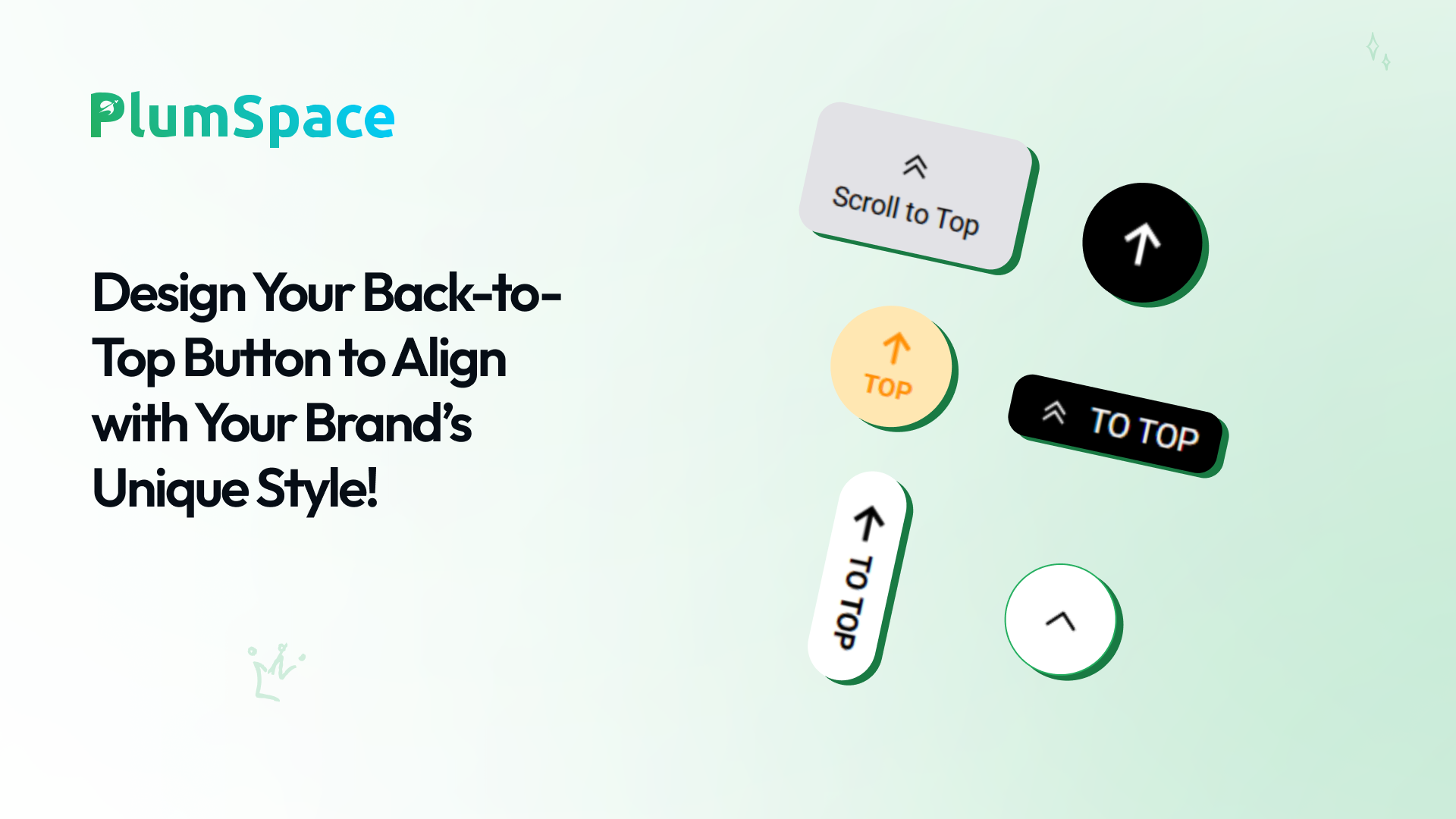
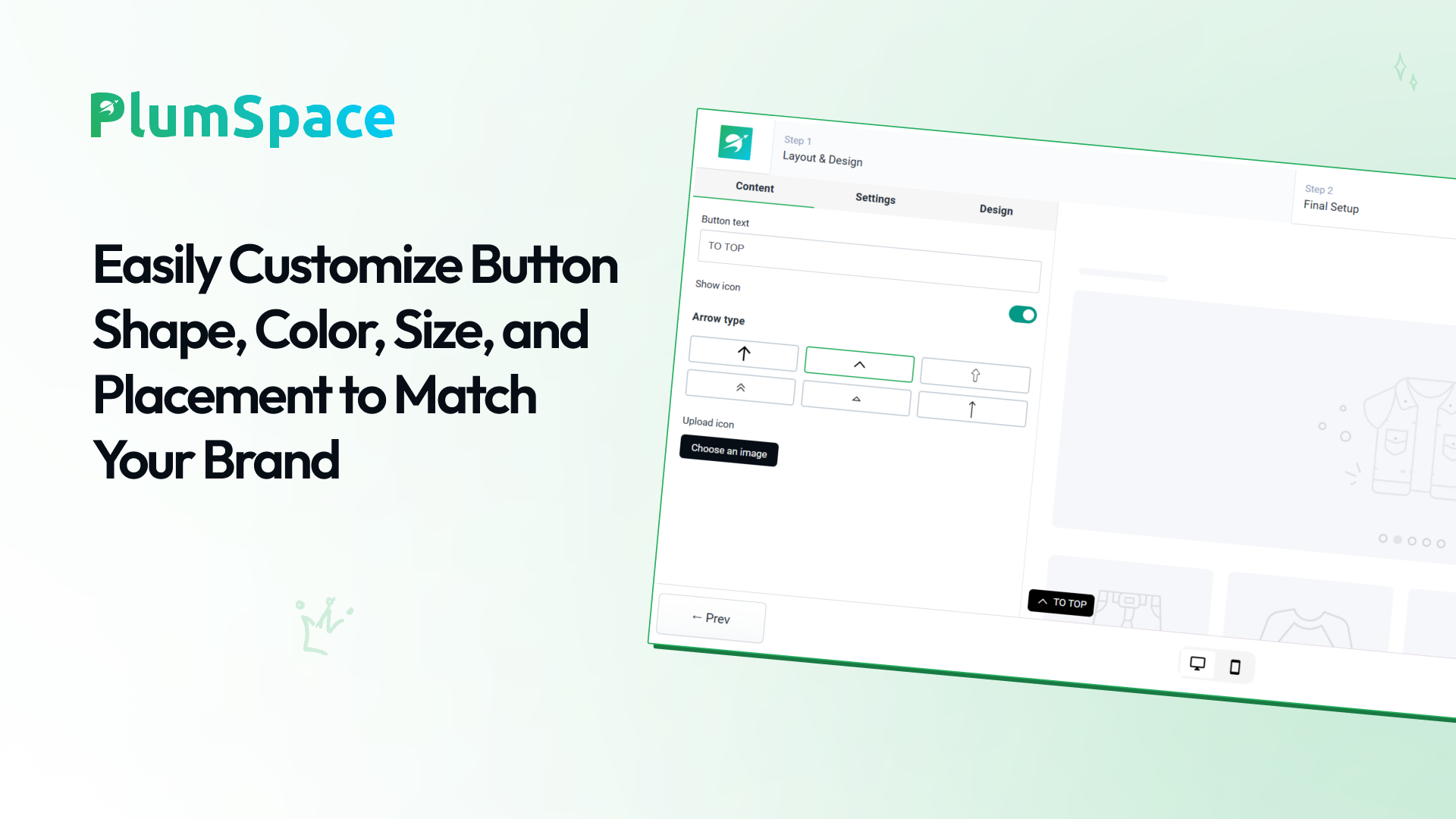
Create a sleek, branded scroll-to-top button with flexible layout, icon, and text options to match your store’s design.
Show & Hide Controls
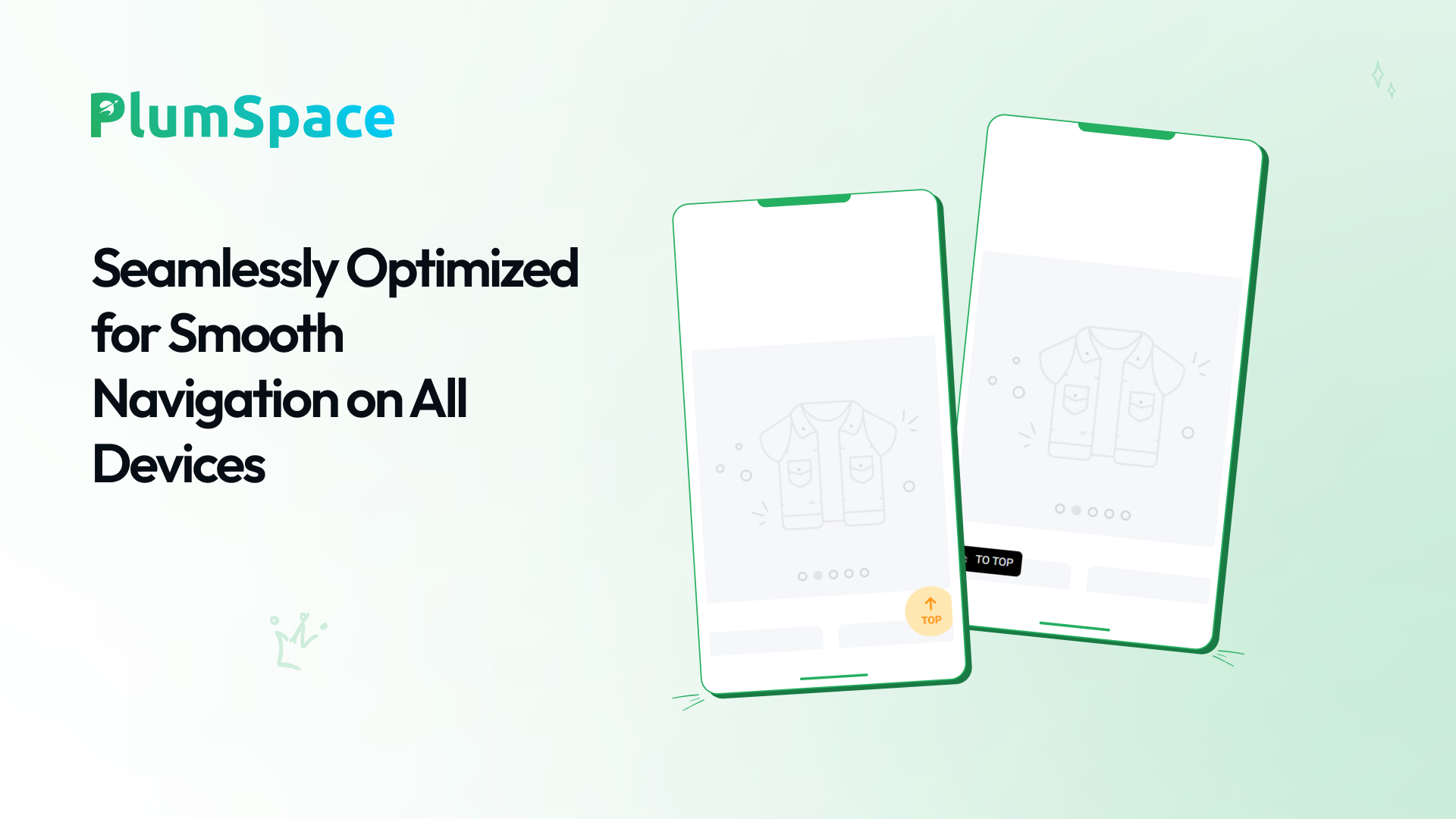
Set the button to appear after a specific scroll percentage, with separate display settings for desktop and mobile.
Full Placement & Design Control
Upload custom icons, choose button placement, and enable store-wide or page-specific visibility for a seamless browsing experience.
App preview
/5
About this app
Enhance Store Navigation with Back to Top! Make browsing your store effortless with a fully customizable Back-to-Top button. Improve user experience, keep customers engaged, and encourage deeper exploration of your content with a stylish, responsive button that perfectly matches your brand. Key Features: - Customizable Button Layout: Choose horizontal or vertical layouts, adjust icons, and personalize button text. - Show & Hide Options: Control when and where the button appears, for both desktop and mobile. - Upload Custom Icons: Match your branding with unique, personalized icons. - Full Placement Control: Place the button on specific pages or enable it store-wide. - Seamless Design Integration: Works effortlessly across all Shopline themes with one-click installation. Why Choose Back to Top? Back to Top enhances user experience by making it easy for customers to navigate long pages. The app helps merchants create a professional, brand-consistent browsing experience that encourages engagement and boosts conversions. Get Started Today! Install Back to Top on your store and make navigation smoother and more enjoyable for every visitor!