World Class Shipping Automation with UPS eCommerce Solutions
Connect your store to all the UPS Services you use or want to use. No need to build to APIs. Simply provide your customers with the best UPS Shipping Services and create a better experience. Manage your orders, shipments, labels and much more. Sync orders, print labels, bulk printing, shipping tracking and more to reduce you time spent shipping and increase your time spent growing. Sync all your channels, warehouses, inventory and create workflows with powerful features like split order, combine order, package size matching, prefilled shipping information and much more. Don’t see a feature you need; our Development Team is here to help.
[ Plug and Play ]
Connect your stores in a couple of clicks so that your orders load onto UPS eCommerce Shipping Dashboard automatically. Forget loading orders manually. A simple straight forward connection with no professional knowledge required.
[ Fully Integrated Automation ]
You will be able to view and edit your orders from your customer area before shipping. Generate labels faster with saved and pre-filled sender and package information. Automate nearly every step of your shipping process and batch print labels with a few clicks.
[ Best Rates and Top Support ]
Take advantage of the best rates for both domestic and international shipments so that you can ship the simplest way at the best price. As a UPS partner app, take advantage of working directly with carrier support to solve issues via high-touch customer support.
[ No Additional Costs ]
Free app, no subscriptions, no minimum shipments, no maximum shipments, no monthly fees.
[ Requirements ]
An active UPS contract is required. If you don’t have an active UPS contract, one must be requested on UPS.com. You can also contact your UPS Account Manager to set this up.
[ How it Works ]
Connect your store by signing up / logging in to UPS eCommerce Shipping Dashboard and completing your setup.
1. Connect your UPS Account.
2. Add Sender Information. This Sender Information will be automatically used for every shipment you're creating.
3. Configure Shipment defaults. This Default configuration will be loaded for every shipment you create.
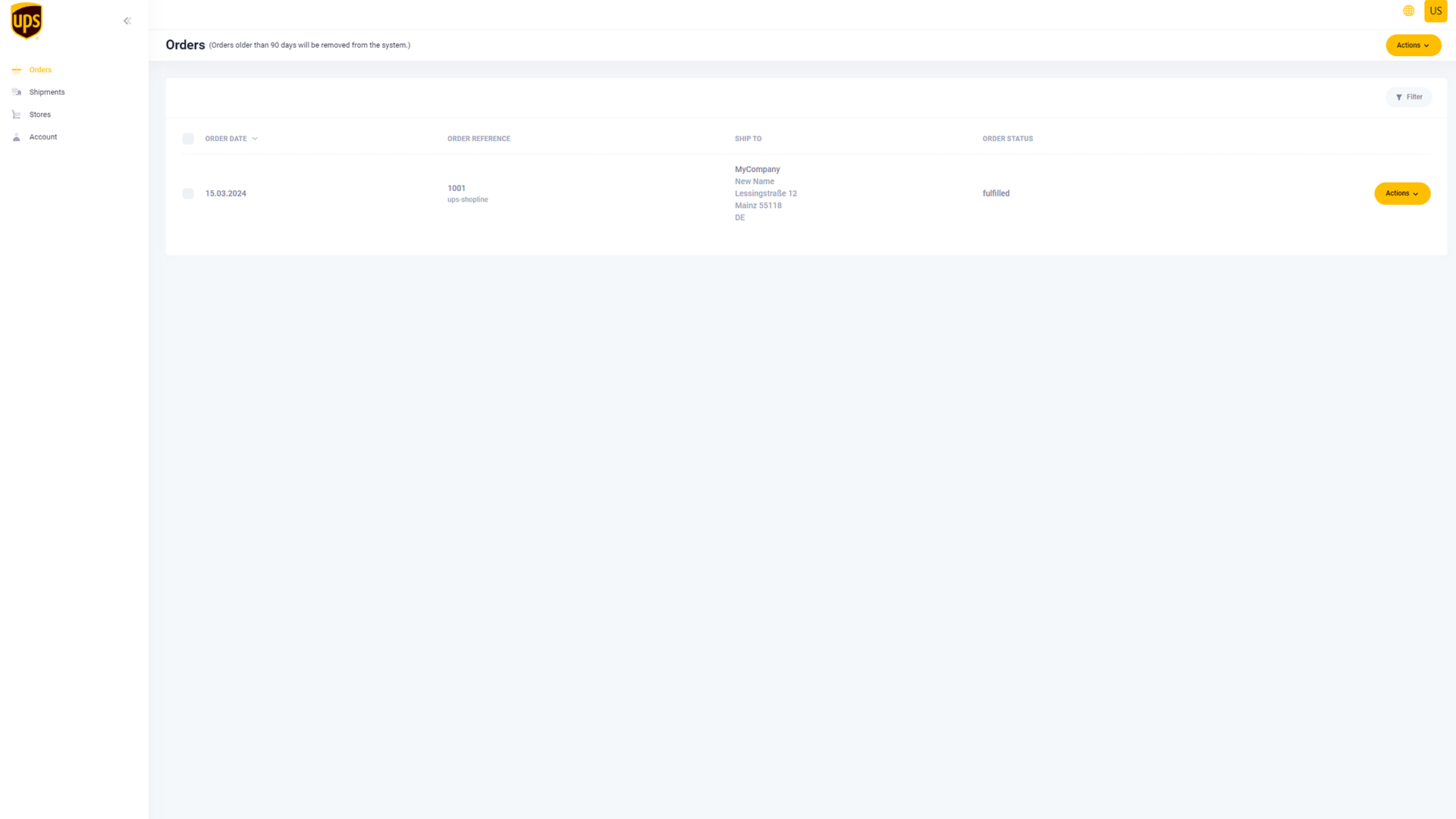
• New orders on your SHOPLINE store will be displayed on the “Orders” section of your UPS eCommerce Shipping Dashboard.
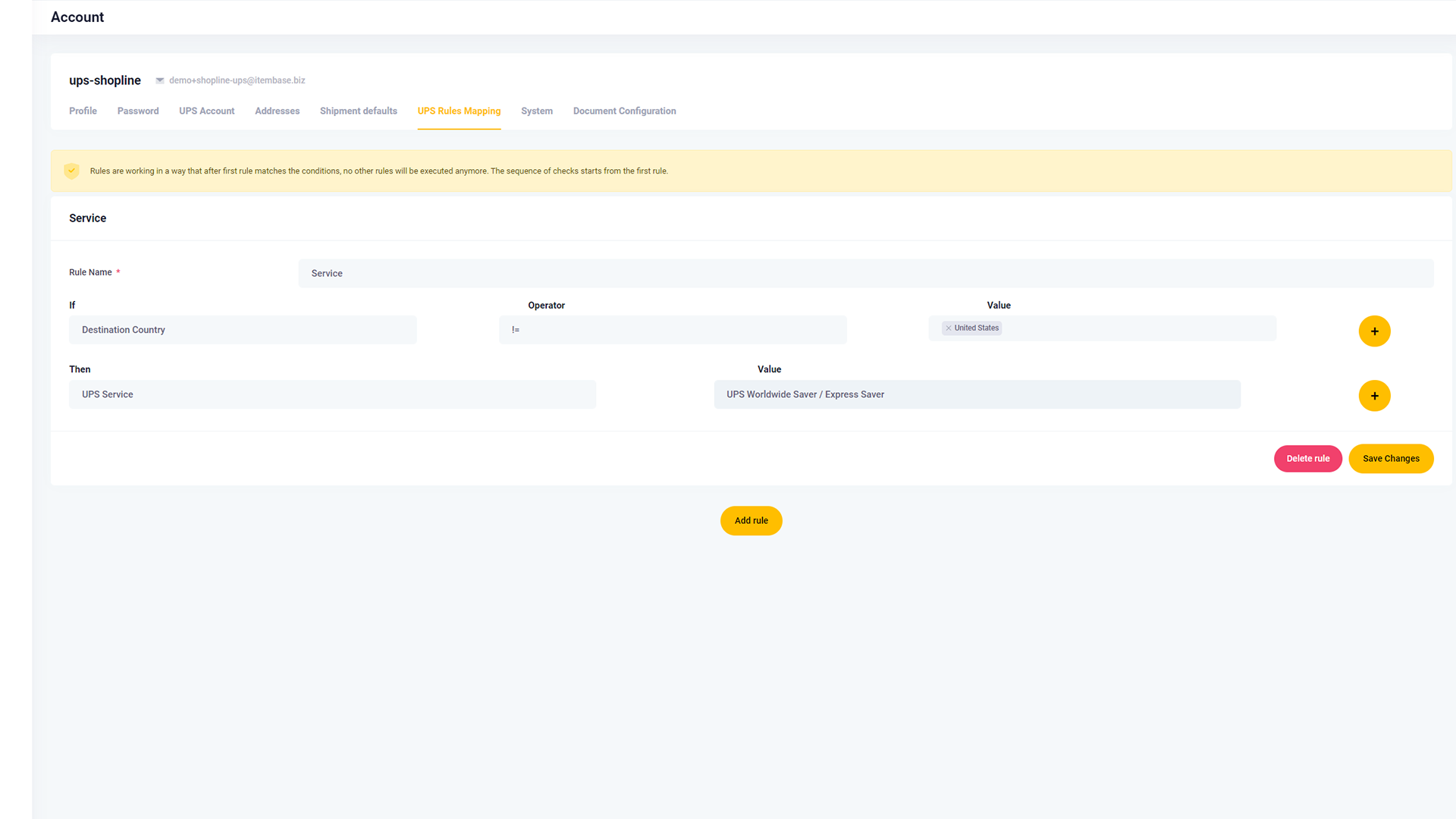
• You may leave the default shipping service or select from additional services for your 'Ready to Ship' orders.
• Review your order information and confirm your selection.
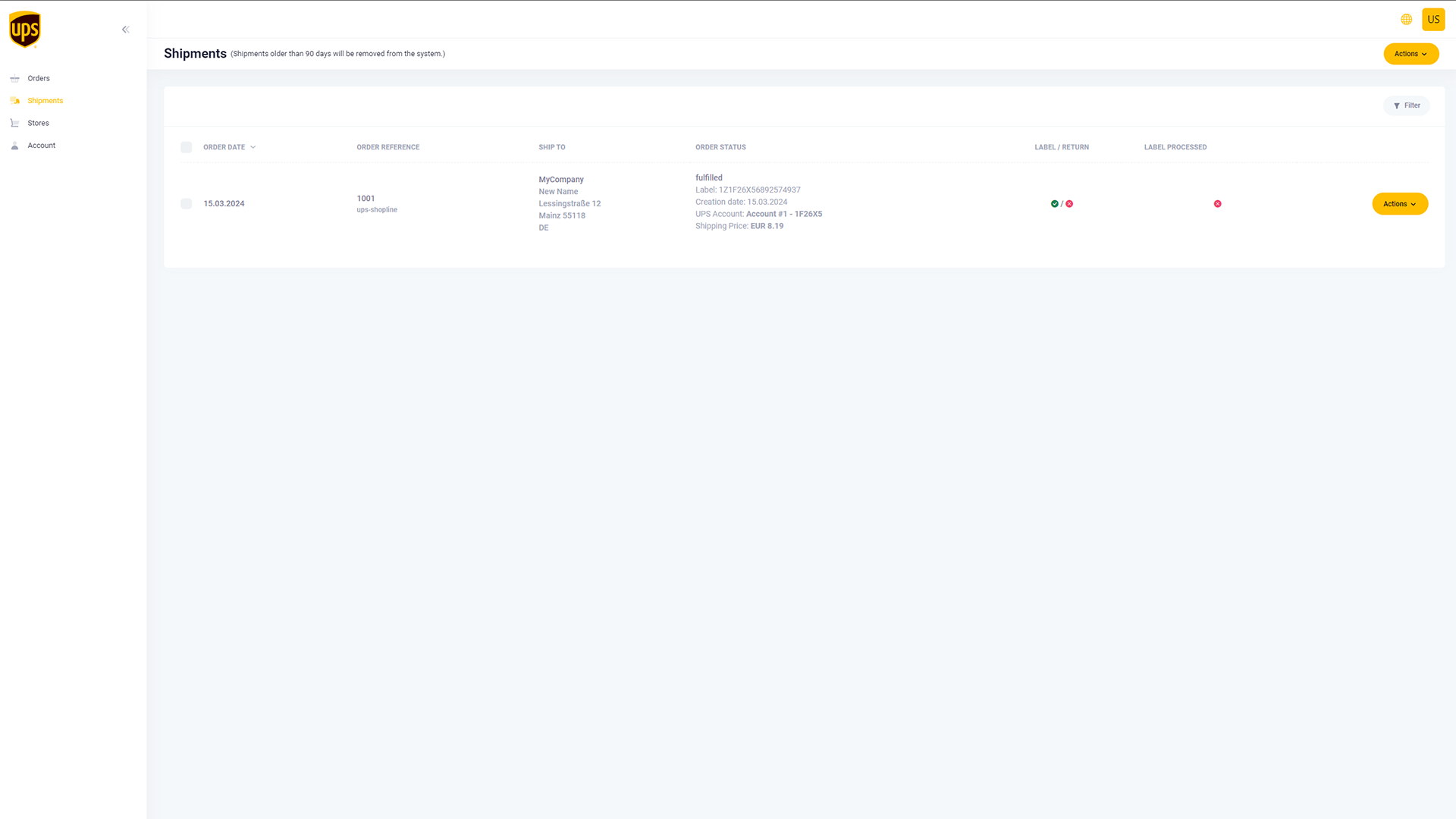
• See all order details, download, and print your shipping label from the "Shipments" section of UPS eCommerce Shipping Dashboard.